
Name the owner of each request
We define request categories and routing rules with your team. Ambiguous messages need a review queue or a person to decide, rather than an assistant silently making a consequential assignment.
TAMPA / AI ASSISTANTS & AUTOMATION
AI assistants, workflow automation, and supported system integrations for Tampa businesses. We connect incoming requests to the right people while defining access, approval, and exception handling.
WATCH · 3½ MINUTES
What AI can take off a Tampa team’s plate, from missed calls to busywork.
Plan your AI setup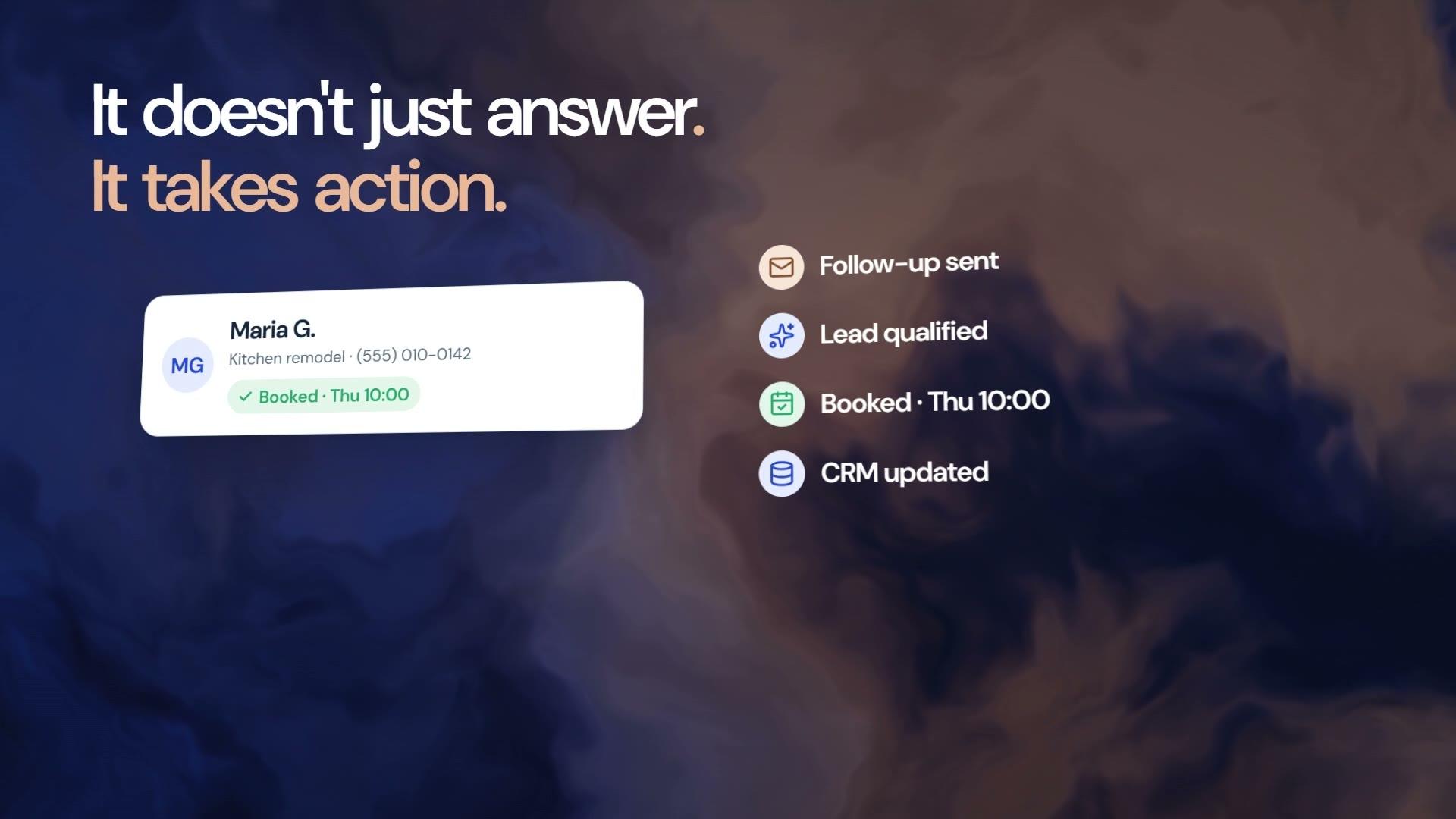
Start with a useful job
We look at the questions your team answers and the tasks they repeat. Then we agree on one practical starting point, what the assistant can do, and when a person should take over.
You get: A workflow plan and a clear list of what we will build.
Your information & instructions
We organize your services, FAQs, documents, and response guidelines into a useful knowledge base. The assistant gets instructions for your business, including what to do when it does not have an answer.
You get: A configured assistant with reviewed knowledge and sample conversations.
Apps, data & infrastructure
We connect supported tools so a request can lead to a useful next step: a contact record, a task, an appointment, or a draft for review. We confirm access, provider setup, and what each connection actually supports.
You get: The agreed connections and workflows, tested before activation.
Testing, handoff & ongoing care
We test realistic questions and edge cases, show your team how to use the setup, and agree on how it will be maintained. Conversation history and workflow activity help us review what needs attention.
You get: A tested setup, a team handoff, and an agreed support plan.
Tampa / THE PLAN FOR YOUR BUSINESS
If a Tampa company has several teams handling sales, service, and operations, an incoming request can pass through multiple inboxes before it reaches an owner. We map one route, agree what the assistant may read or change, and build the workflow around those permissions. More autonomy is a scope decision, not the starting assumption.
Based in Sarasota. Serving Tampa.
We define request categories and routing rules with your team. Ambiguous messages need a review queue or a person to decide, rather than an assistant silently making a consequential assignment.
An assistant answering service questions does not necessarily need access to every customer record. We review account permissions, approved knowledge, sensitive information, and the actions that require human approval.
The implementation can include status records, failure notifications, and a clear review process. We test duplicate requests, conflicting information, and unavailable systems before enabling the agreed customer-facing actions.
Illustrative project scope / not a client result
For a Tampa company with separate sales and support teams, a first workflow could prepare a request summary and route it for review. It would not expose one team's restricted information to another or make account changes without authorization.
Classify the request using approved categories and collect missing context.
Prepare the record in the supported system with a named owner.
Escalate uncertain requests and record connection or delivery failures.
SEE HOW THE PIECES WORK TOGETHER
Three examples, step by step. Each setup is configured around your business, your information, and the tools you use.
EXAMPLE 01 · CUSTOMER INQUIRY
A website visitor needs an answer and a way to speak with your team.
01 / QUESTION
The configured website agent collects the question.
02 / KNOWLEDGE
Use the approved services, FAQs, and coverage details.
03 / CONNECTION
Capture the agreed contact details in the connected CRM.
04 / HANDOFF
Route the inquiry or create a follow-up task.
EXAMPLE 02 · TEAM REQUEST
A team member needs a useful summary of the work already in the system.
01 / REQUEST
A team member asks within their business workspace.
02 / CONTEXT
Use the available contacts, deals, and task information.
03 / SUMMARY
Summarize the relevant records and suggested next steps.
04 / TEAM REVIEW
The team reviews the suggestion and opens the relevant record.
EXAMPLE 03 · FOLLOW-UP WORKFLOW
A repeatable sequence helps the team keep track of what happens after the first conversation.
01 / BRIEF
Agree on the trigger, timing, and desired outcome.
02 / DRAFT
Prepare the conditions, waits, tasks, and supported actions.
03 / REVIEW
Review the messages, permissions, and provider connections.
04 / ACTIVITY
Use saved activity to check outcomes and resolve exceptions.
Illustrative workflows, not a live assistant. Connections and actions depend on the agreed setup.
WHAT WE CAN BUILD
Start with the service that solves a real problem. We confirm the tools, channels, and scope before building it.
ANSWER COMMON QUESTIONS
Help customers find service information, answer common questions, and pass more complex requests to your team with context.
ORGANIZE THE NEXT STEP
Collect the details you need from a lead, check fit against your criteria, and connect the conversation to a supported booking or follow-up process.
PUT YOUR INFORMATION TO WORK
Add a branded website chat experience that uses your approved information. Review the questions people ask and improve the material behind the answers.
HELP WITH INCOMING CALLS
Configure a voice agent to answer agreed questions, capture caller details, and route the next step. Phone numbers, channel access, and usage are set up for your business.
REDUCE REPEAT ADMIN
Build support for the email, calendar, document, and data-entry work that takes time from your team. We define which actions can run and which need review.
MAKE INFORMATION USABLE
Turn incoming files or records into consistent information for your systems. We define the fields, validation checks, and how exceptions get reviewed.
SUPPORT YOUR SALES TEAM
Organize prospect research, pipeline information, and follow-up tasks. Use agreed data sources and review rules so your team can focus on suitable opportunities.
We can assess your existing software, APIs, and data to scope a custom integration or application.
Explore custom softwareAI INFRASTRUCTURE · FOR LARGER BUILDS
Some work needs more than one assistant. Our development teams design and build complete AI systems: agents that carry out multi-step work across your tools, knowledge layers built on your data, and the permissions, review steps and monitoring that keep them dependable.
The same teams built Nexvato OS, our AI-powered business platform.
THE SETUP BEHIND THE ASSISTANT
An assistant needs more than a prompt. We put the supporting pieces in place and make the setup understandable for your team.
Approved documents, FAQs, service details, and instructions. We show your team where updates belong so answers can reflect the business as it changes.
CRM, email, calendars, helpdesk, and supported SMS or voice services. We configure the agreed actions and confirm provider access and usage requirements.
Define what runs automatically, what needs review, and what goes to a person. Activity records, exception handling, and agreed support keep the workflow manageable.
Based in Sarasota. Helping Tampa businesses connect their systems and reduce repetitive work.
NEXVATO OS / YOUR AI WORKSPACE
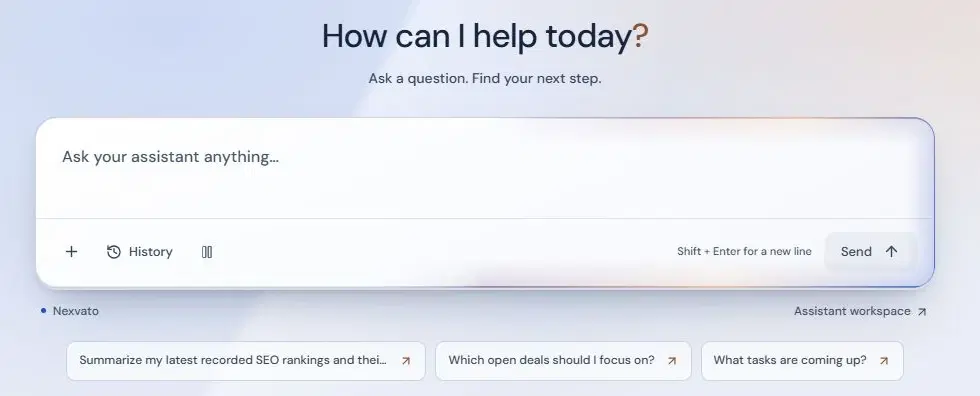
Nexvato OS is where your AI works. Customer agents answer calls and chats, your Console assistant answers questions about your business, and automations carry the next step, all connected to your CRM. We configure it around your business; your team runs it day to day.
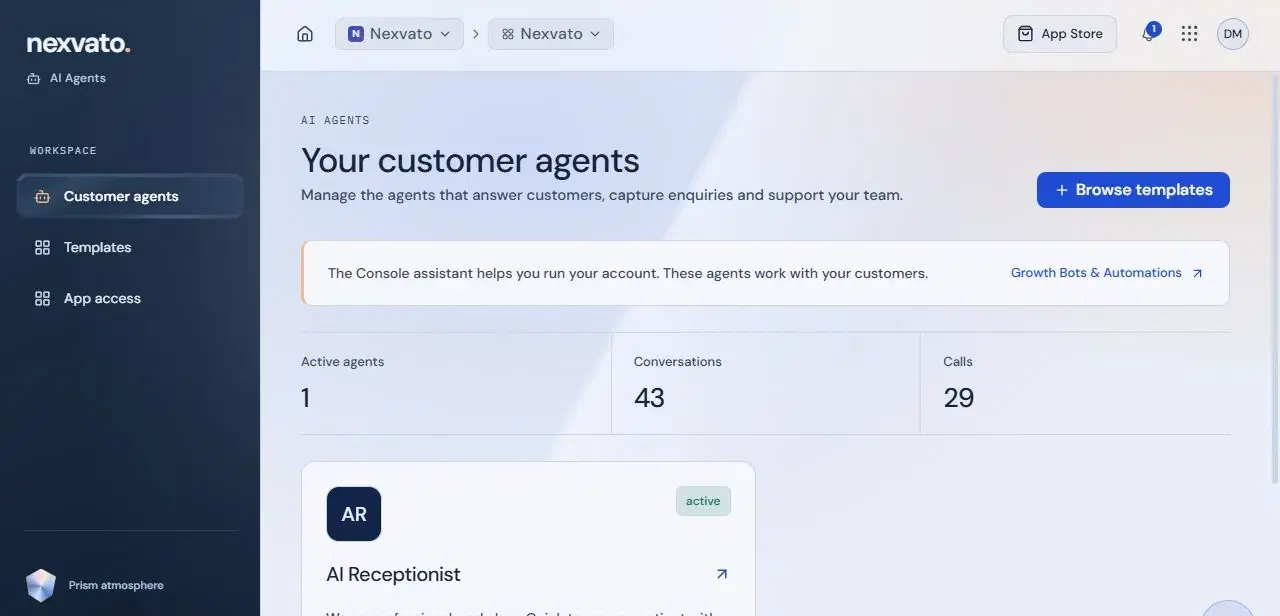
Answer calls, website chats and supported messaging around your business knowledge.
Ask what changed and what needs attention, using the information your account can access.
Describe the outcome and the AI builder drafts a workflow you review before it runs.
Contacts, conversations and next steps stay in the same workspace.
Software access, provider usage, custom development and managed services are scoped separately.
CLIENT WORK
Feedback on our website projects, SEO work and communication, and a few of the websites we’ve designed and built.
Hundreds of websites built
I couldn't be happier with my new website. I interviewed many companies and chose Nexvato. Weekly meetings, a far more appealing site, and SEO optimization at a good price. Communication couldn't have been better.
My company wouldn't be where it is today without Nexvato. Daltry and Jonathan were patient and made it easy to understand what it takes to be at the top of search engines.
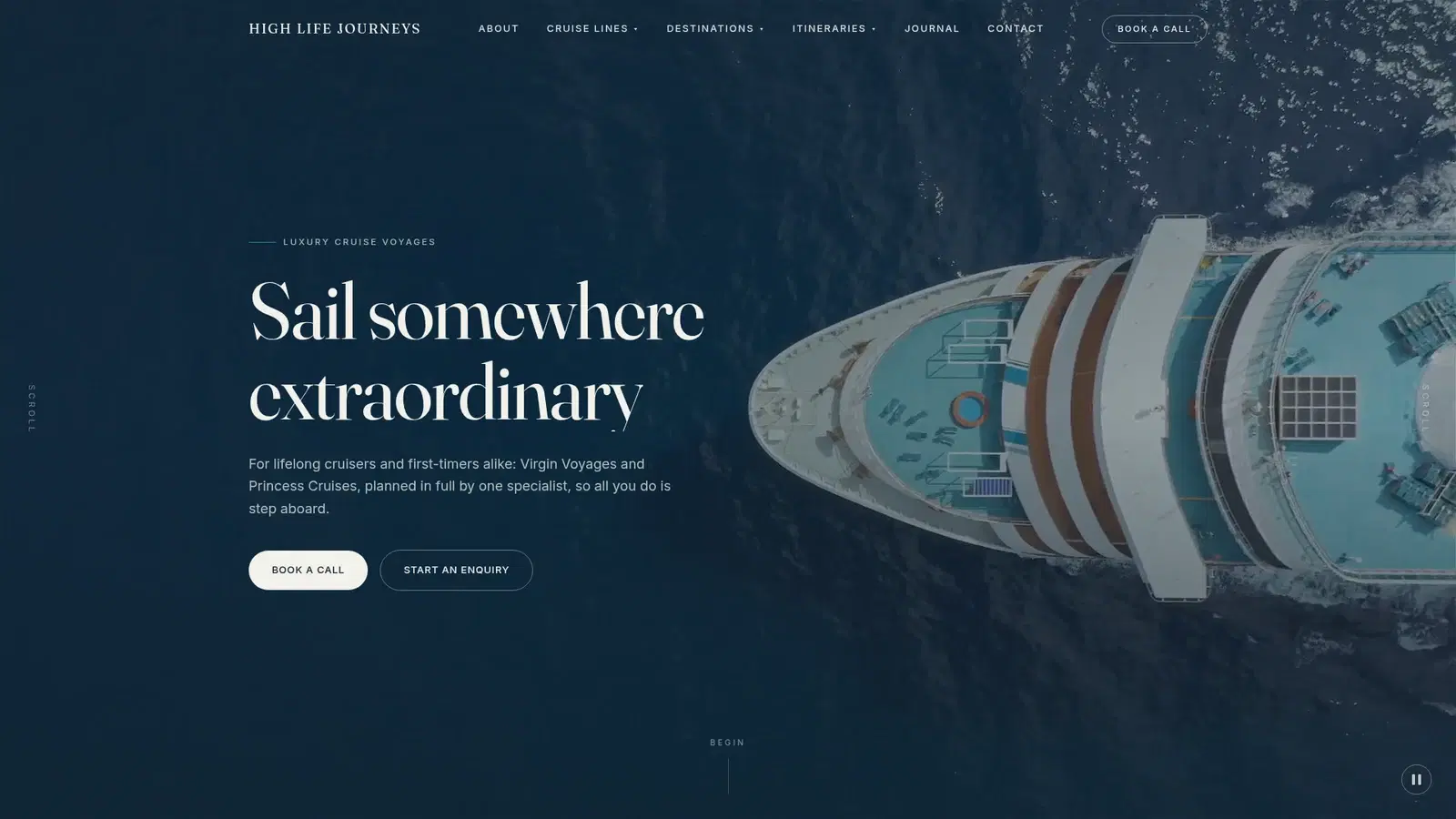
Luxury travel
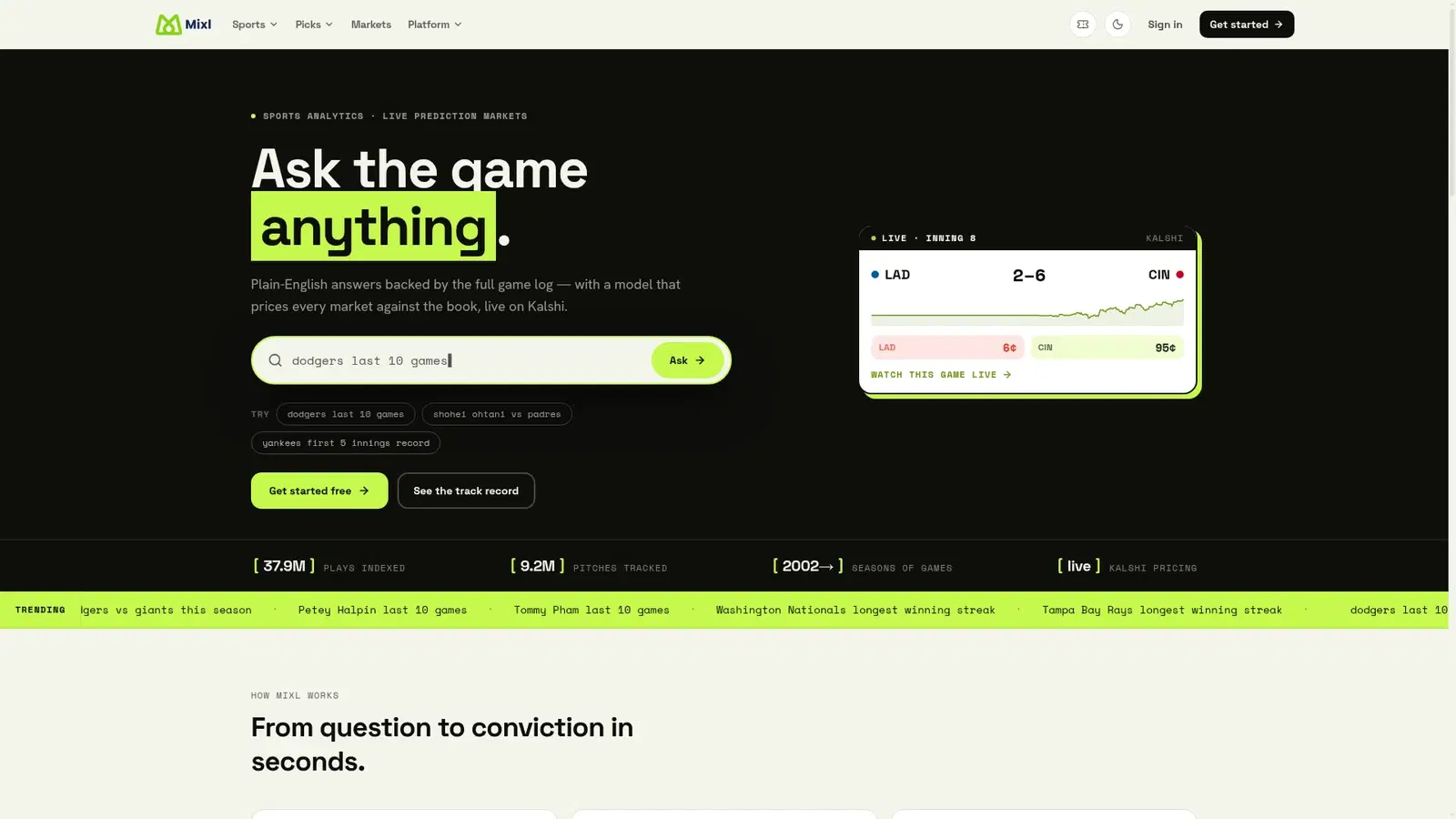
Sports technology
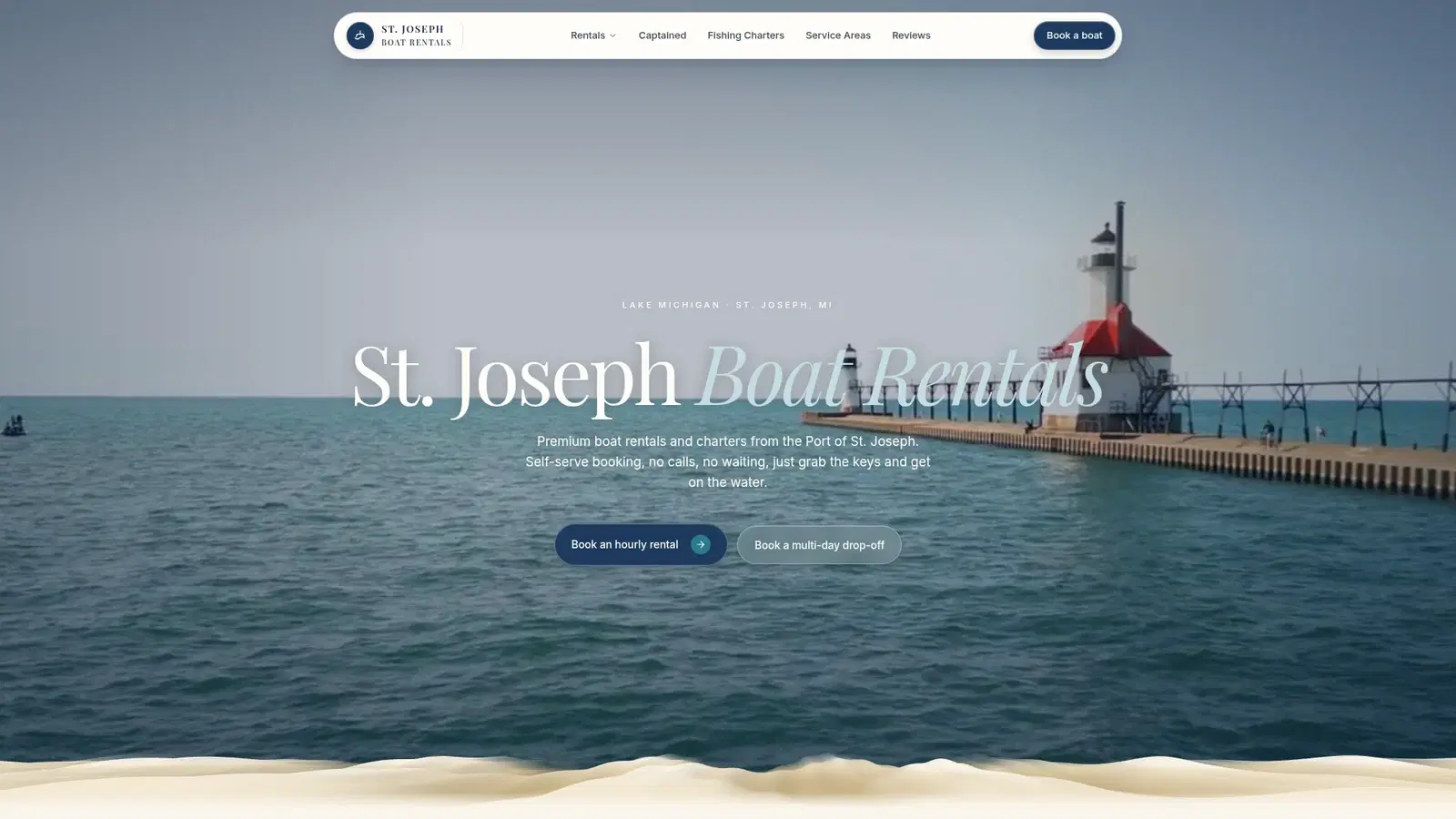
Travel & experiences
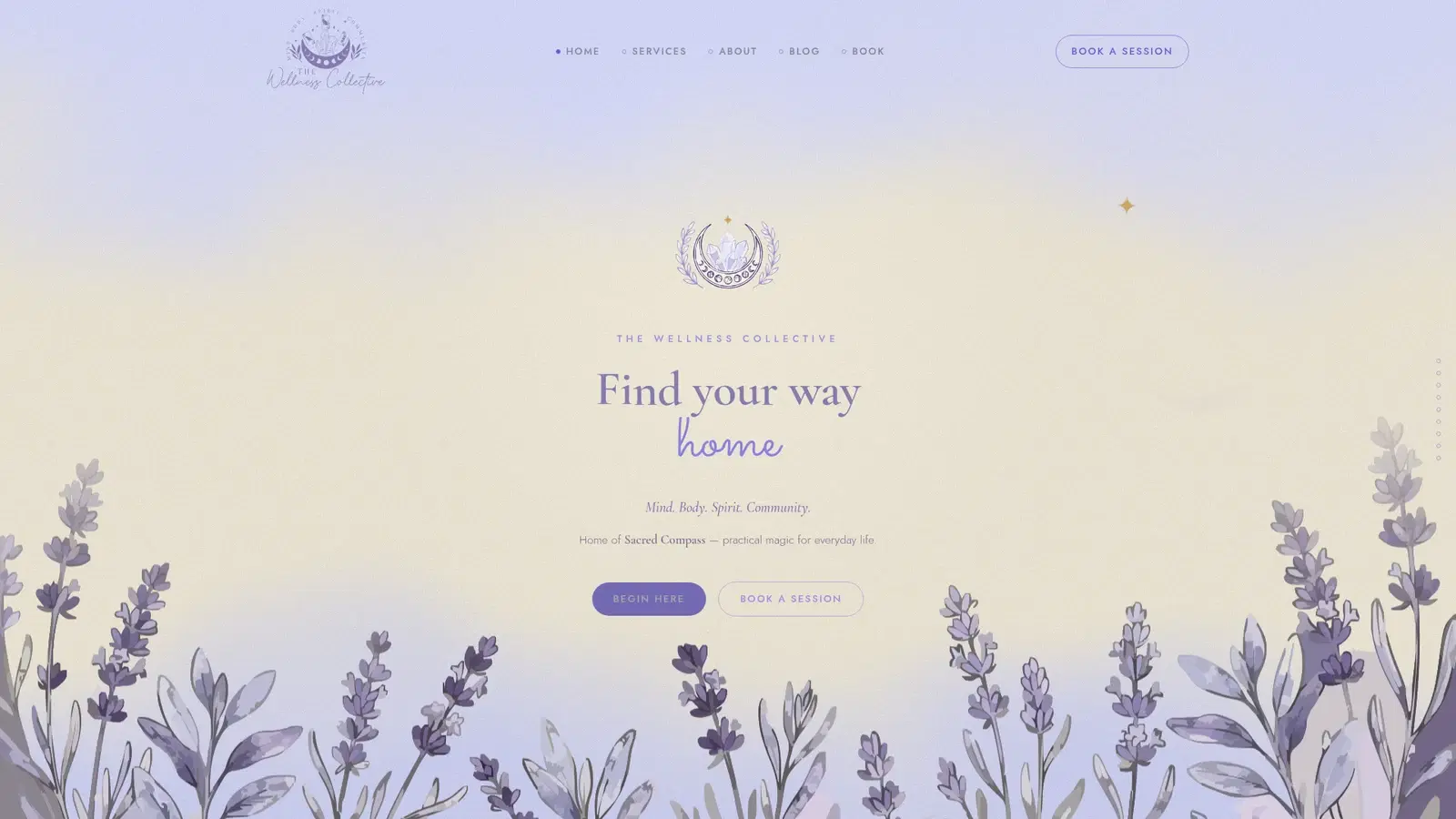
Health & wellness
BEFORE WE BUILD
Setup, integrations, cost, and day-to-day use.
Yes, when the chosen systems support the required controls. We review access separately from the conversation design, define approved information and actions, and test boundaries. Unsupported permissions are a reason to narrow or change the proposed workflow.
Usually the useful starting point is one defined workflow with clear ownership. We test it, review exceptions, and identify the next connection from actual use. A wider integration plan can follow without granting broad access on the first day.
We document the process, system dependencies, allowed actions, testing, and support responsibilities. Subscriptions and usage costs are identified separately. Nexvato is based in Sarasota, serves Tampa without a Tampa office, and agrees on review arrangements with your team.
BASED IN SARASOTA / WORKING NATIONWIDE
Learn how we can support your business in each of our main Florida markets.
All services in TampaKEEP EXPLORING
AI assistants and connected workflows that answer customers and reduce repeat work.
Your CRM, SEO, website, AI agents and automations in one workspace.
Help ChatGPT, Gemini and other AI answers understand and mention your business.
Web design, SEO and advertising for Tampa businesses.
Plain guides to what websites and marketing cost.
Custom websites for Tampa businesses with more to communicate and more to connect.
LET’S START WITH YOUR BUSINESS
Show us the task, the tools, and the result you need. We will help you work out what is worth automating.